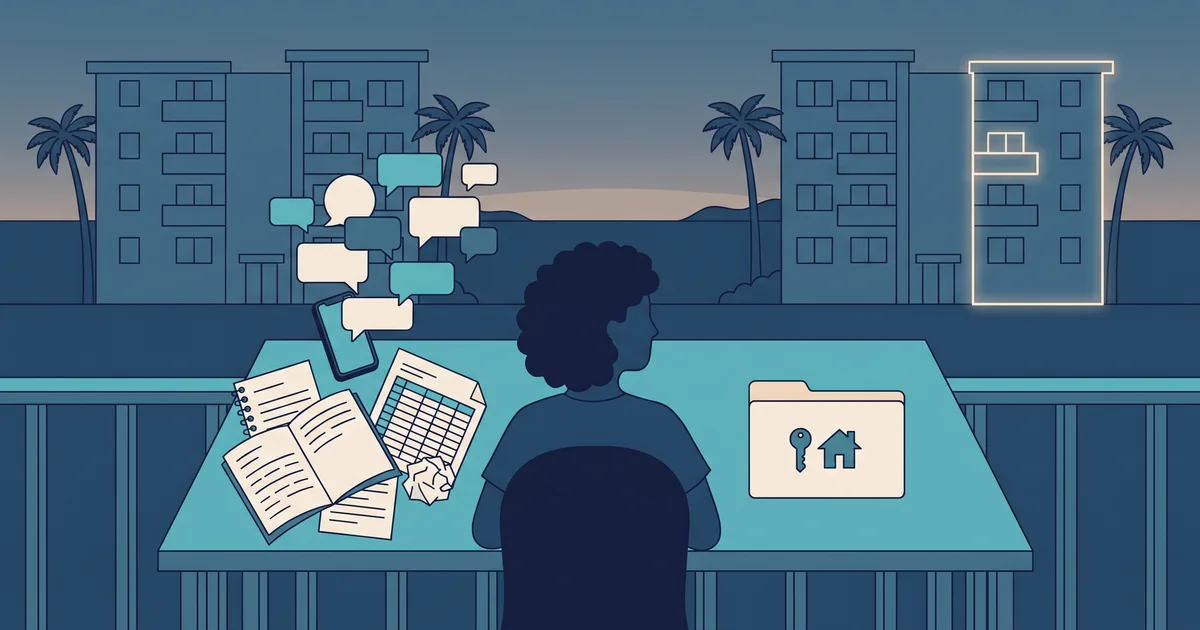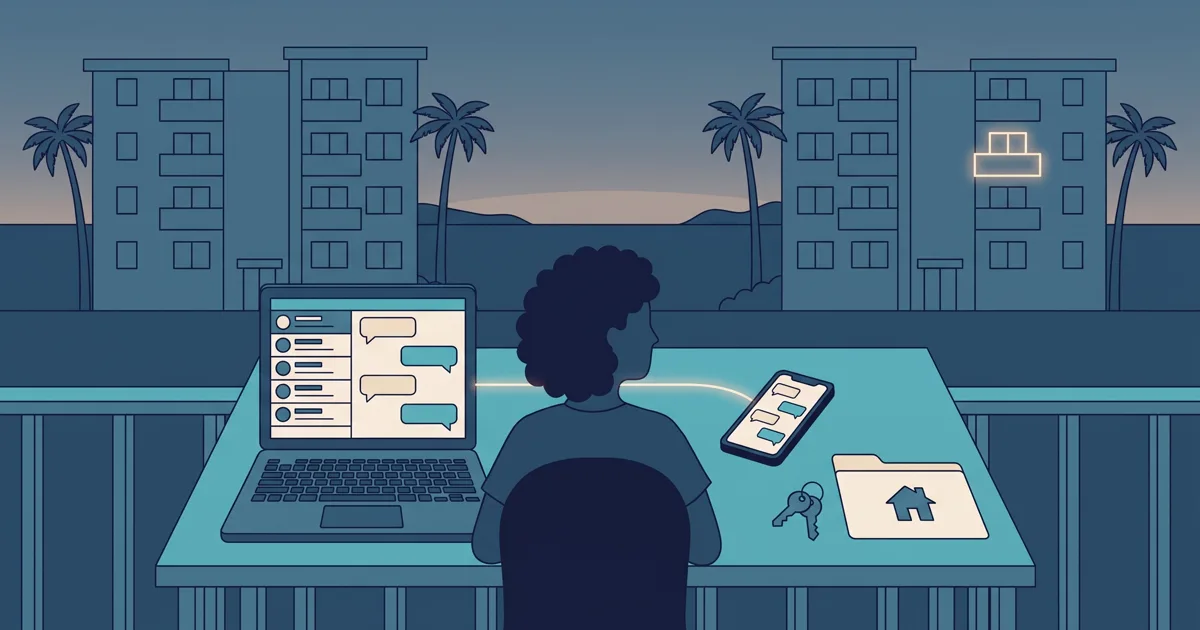
If you rent out one to three condos, most of your guest conversations happen on WhatsApp: availability questions, arrival times, the location pin, a photo of the payment receipt. The trouble is that it all lives on your phone, mixed in with family and group chats, and when you need a detail you have to scroll back through old conversations. That’s why Miresev now has WhatsApp Business built in: connect your business number and answer guests from the dashboard, while the app keeps working on your phone.
This guide covers what the integration does, how to connect it, what it doesn’t do and what it costs. If you’re still deciding whether software is worth it for your bookings, start with when you need vacation rental software.
What the integration does
Once your number is connected, Miresev adds a WhatsApp section to your dashboard. Every conversation on that number shows up in one inbox:
- Each guest is a contact with a phone number and a name. Add notes (“arriving late”, “asked for a crib”) and tags (“Coral”, “next week”) so you can find them later.
- Unread messages stand out. New chats show an unread marker, and you get an email when you have unread messages. The email doesn’t include the guest’s name or message: it only tells you to check in.
- Reply from the dashboard, quoting a specific message if you like, and see whether your reply was sent, delivered and read.
- Photos, PDFs and voice notes. Anything a guest sends can be viewed or downloaded from the chat. You can send images and PDFs of up to 30 MB too, such as your check-in instructions.
- Forward a message to another contact, handy for passing arrival details to whoever hands over the keys.
The inbox refreshes on its own every few seconds while it’s open. No need to reload the page.
Your phone keeps working
The connection uses Meta’s coexistence mode. Your number stays on the WhatsApp Business app on your phone, so you can reply from the dashboard or from your phone, whichever is easier at the moment. Replies you send from the phone also appear in the Miresev inbox, marked as sent, so the history is complete in both places.
You don’t need a new number, and you don’t need to tell your guests anything. They keep messaging the same WhatsApp as always.
How to connect it
- Turn on the WhatsApp add-on in My profile, in your plan section, with Add WhatsApp.
- Go to Integrations and click Connect WhatsApp.
- Meta’s window opens. Sign in with your Facebook account, choose or create your business and follow the steps to connect the number on your WhatsApp Business app.
- When you finish, the Integrations card shows your verified business name and the connected number.
From then on, every new message to that number appears in the WhatsApp section. If you ever want to disconnect, use Disconnect on the same card. Your contacts and messages aren’t deleted: they come back if you connect again.
The 24-hour rule and templates
WhatsApp has a rule that applies to every business on its platform, not just Miresev. When a guest messages you, a 24-hour window opens. Inside that window you can reply with free text as often as you like.
Once more than 24 hours have passed since their last message, or if you want to message someone first (with New contact), WhatsApp only lets you send a template: a message you write once and Meta reviews and approves before you can use it. In Miresev you create them under Templates. A practical example:
Hi, this is the condo team. Are you still interested in the dates you asked about? Reply to this message and we’ll help you out.
When the guest replies, a new 24-hour window opens and you’re back to free text. Meta charges for template messages at its own rates, so your business account on Meta needs a payment method before you can send them. Replies inside the 24-hour window don’t need a template.
What the integration doesn’t do
Better to know this before you pay:
- It doesn’t import your old chats. The inbox starts with the first message that arrives after you connect. Everything before that stays on your phone.
- It doesn’t link chats to bookings. A WhatsApp contact isn’t matched automatically to a booking request or the guest register. Notes and tags help you keep track by hand.
- One number per account. If you have two business numbers, only one can be connected.
- Owner only. Today the inbox is used by the account owner. There’s no team access.
- No automatic replies. You write every reply yourself.
- Not instant to the second. New messages show up within seconds, not at the exact moment they reach your phone.
If what you want is for guests to send a complete request without a long back-and-forth, that’s the job of your condo’s booking page, not the chat. The two work together: you answer on WhatsApp and send the link so the request arrives with dates and guest count.
Price and plans
WhatsApp is a paid add-on: US$69 a month or US$690 a year, taxes included. It’s available on the Rental and Real Estate plans. The Free plan doesn’t include it.
It’s billed with your subscription. If you remove it, it stays on until your next billing date and then stops being charged, with no refund for the period already paid. While the removal is pending, you can change your mind with Keep WhatsApp. If you no longer have the add-on, the inbox is hidden but nothing is deleted: add it again and your history is back. Note that messages that arrive while you don’t have the add-on aren’t saved in Miresev, although they’re still on your phone.
See the full plans on the pricing page.
Hypothetical example: a Friday with three enquiries
This example is made up and only shows how the feature is used.
Andrés has two condos and uses Miresev on the Rental plan. One Friday afternoon, three people message him on WhatsApp. He’s out, so he answers the first one from his phone: “Yes, the weekend is free, I’ll send you the link.” Back home, he opens the dashboard and sees all three chats in the inbox, including the reply he sent from his phone.
He tags the first guest “Coral” and adds a note with the dates. The second asks about parking, so Andrés quotes the question in his reply and sends the PDF with check-in instructions. The third messaged two days ago and never replied; since more than 24 hours have passed, Andrés sends an approved template to pick the conversation back up. On Monday, when the first guest sends a request from the booking page, Andrés searches for the “Coral” tag and has the whole conversation at hand.
Before you connect, check that
- Your number is on the WhatsApp Business app, not personal WhatsApp.
- You can sign in to the Facebook account that manages your business on Meta.
- You’re on the Rental or Real Estate plan.
- If you’ll message guests first or pick up old conversations, your business on Meta has a payment method for templates.
- You know the history starts when you connect and that chats aren’t linked to bookings automatically.
If it fits, you can create your Miresev account or, if you already have one, go to My profile and add WhatsApp.
Frequently asked questions
Do I have to stop using WhatsApp on my phone?
No. The connection uses coexistence mode, so your number stays on the WhatsApp Business app. You can reply from your phone or from Miresev, and what you send from your phone also shows up in the inbox.
Will my guests notice anything?
No. They keep messaging the same number as always.
Can I see chats from before I connected?
Not in Miresev. The inbox starts with the first message that arrives after you connect. Older chats stay on your phone.
Why does it sometimes ask me for a template?
Because WhatsApp only allows free text within 24 hours of the guest’s last message. Outside that window, or to message someone first, you need a template approved by Meta.
What happens if I remove the add-on?
It stays on until your next billing date. After that the inbox is hidden, but your contacts and messages aren’t deleted and they come back if you add it again.