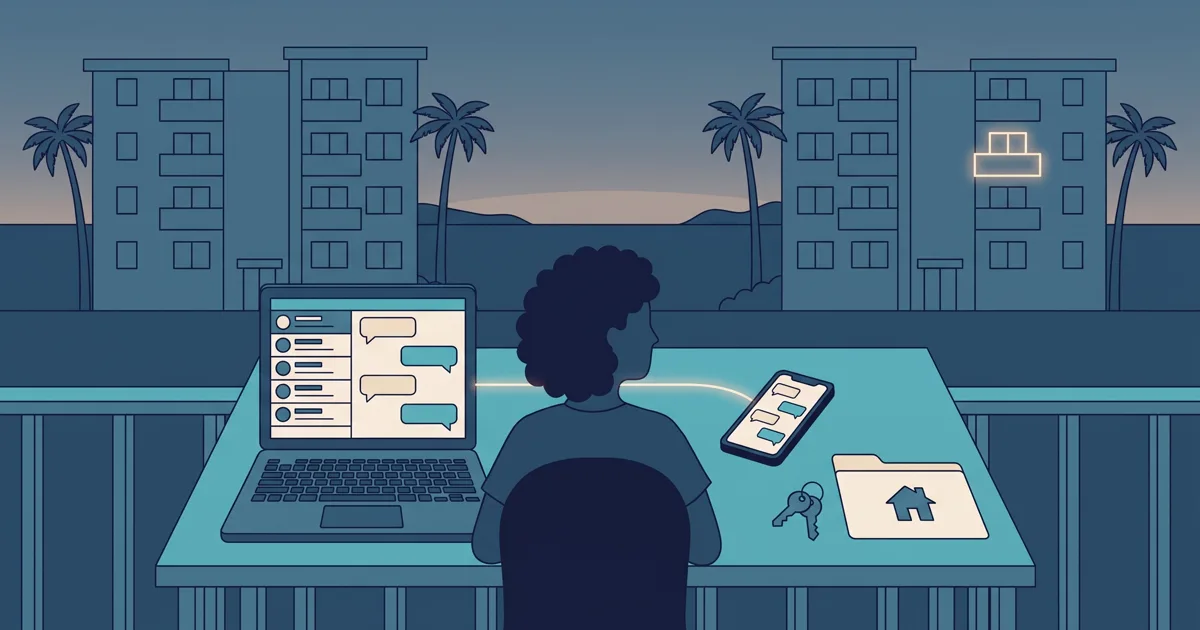
If you own an apartment or condo and are wondering how to start a short-term rental, the hard part usually isn’t taking the first booking. It’s everything that should be settled before it: whether you’re allowed to rent by the night, what a stay really costs you, where guests will find the place and what happens when they arrive. This guide is for owners of one to three units who have never rented them out by the night. It follows six stages in order, gives you a checklist to finish before you open any dates and ends with a hypothetical first booking.
Stage 1: Check what you’re allowed to do
Before you buy towels or take photos, confirm that renting out your apartment by the night is possible in your case. Rules differ by country, city and building, and they change over time, so this guide doesn’t tell you what applies to you. Check these four areas with the official source or a qualified professional:
- Building rules: your condominium’s bylaws or regulations, and whether the building administration needs to be told about short stays or guest access.
- Local rules: whether your city or tourism authority requires a registration, permit or guest reporting for short-term rentals.
- Insurance: whether your current policy covers paying guests, or whether you need a different one.
- Taxes: how income from nightly stays is taxed where you live and where the property is, and whether a tourist tax applies.
Write down what you found and where. If something isn’t clear, wait for a clear answer before you go further.
Stage 2: Prepare the space and the photos
Guests judge the place by two things: how it looks online and how it matches when they walk in. Prepare it as if you were the guest.
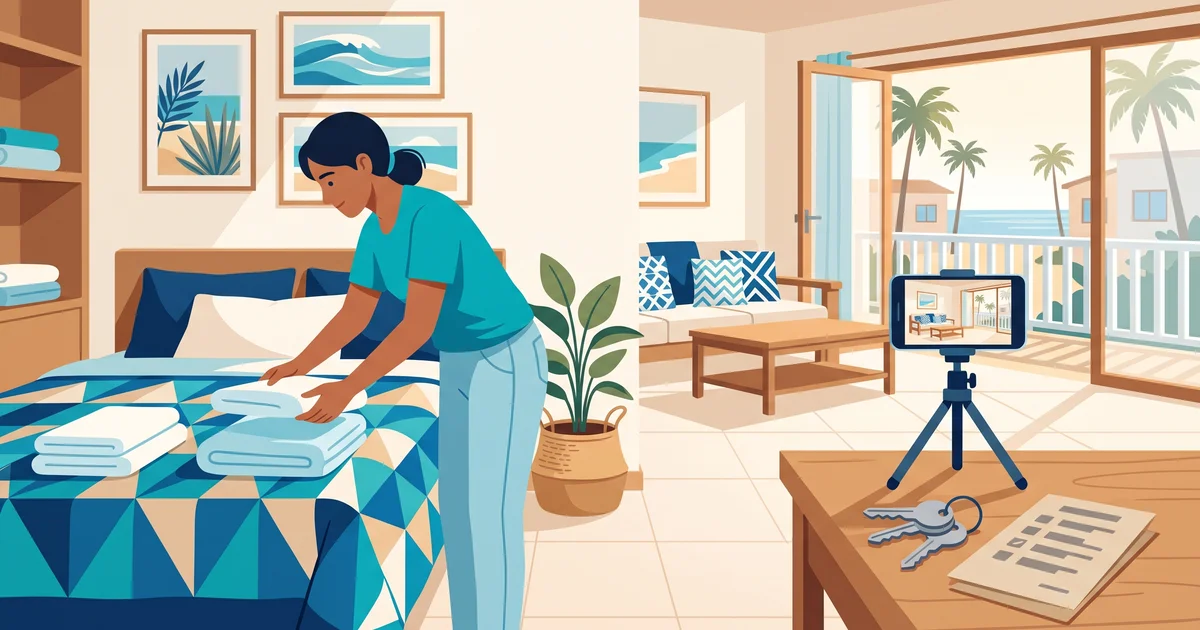
- Remove personal items and leave closet or shelf space free.
- Supply the basics: bed linens, towels, kitchen essentials, toilet paper, soap and a working Wi-Fi connection.
- Fix small things now, such as a dripping tap or a loose door handle.
- Decide the maximum number of guests from the real beds, not the sofa you hope people will use.
Take photos in daylight, with the lights on and the place clean. Shoot every room, then put them in the order someone would walk through the unit, starting with the shot that explains the place best.
Stage 3: Set a starting price from real costs
A starting nightly rate should come from your own numbers, not only from what neighbors charge. List what each stay and each month cost you:
- Per stay: cleaning, laundry, restocking supplies and any key handover.
- Per month: building fees, utilities, internet, insurance and maintenance.
- Fees and taxes: what each channel charges you and any taxes you’ve confirmed in Stage 1.
Then estimate how many nights you might realistically fill and check that your rate covers those costs with room to spare. Charge cleaning as a separate, visible fee if you prefer, and decide on a minimum stay. Treat this as a first price you’ll review after a few bookings, not a final one.
Stage 4: Choose where to list it
You don’t need every channel on day one. Common options are:
- A booking platform such as Airbnb or Booking.com, which brings you guests who are already searching. Read each platform’s official help pages for its current rules and fees.
- A direct booking page, where people you send the link to can see photos and rates and send a request. The guide to setting up a vacation rental booking page covers it in detail.
- Both, once you’re comfortable keeping one calendar up to date across channels.
If you plan to list on more than one platform, the guide on how to list your condo on Airbnb and Booking explains how to keep details and rules aligned. Starting with one channel and adding a second later is a reasonable first step for a new host.
Stage 5: Write your house rules and plan the arrival
House rules prevent most awkward conversations. Keep them short and put them where guests see them before booking:
- Check-in and checkout times.
- Maximum number of guests and whether visitors are allowed.
- Pets, smoking, parties and quiet hours.
- What happens with lost keys or damage.
Then plan the arrival step by step: how the guest gets in, who meets them or how keys and codes work, and what they receive before arriving (location, Wi-Fi, parking, emergency contact). Decide what guest details you’ll collect and when; the guide on how to register guests in a vacation rental helps with that.
Stage 6: Host your first guest and learn from it
Your first stay is a test. Be easy to reach, check that the arrival worked and ask the guest after checkout what was missing or unclear. Inspect the unit yourself, note how long the turnover took and adjust your rules, supplies or price. If cleaning took longer than expected, a rule for buffer nights between bookings may be worth setting.
Checklist before you open dates
- Building, local, insurance and tax questions checked with official sources or a professional.
- Unit cleaned, repaired and stocked.
- Photos taken in daylight and sorted in walking order.
- Maximum guests and bed layout written down.
- Starting rate, cleaning fee and minimum stay based on your costs.
- First channel chosen and listing details written once.
- House rules written and visible.
- Arrival plan, key access and emergency contact ready.
- Cleaner or helper booked for the first turnover.
- One calendar chosen as your single record of dates.
A hypothetical example: one condo, two channels
This example is fictional and only illustrates the process.
Daniela has two condos. Condo A is listed on Airbnb and has a direct booking page. Condo B isn’t listed anywhere yet.
A friend of a former colleague asks whether Condo A is free for three nights the following week. Daniela doesn’t say yes in the chat. She sends the booking page link so the guest can choose dates and send a complete request. When it arrives, she checks Condo A’s calendar and its Airbnb calendar at that moment, plus the night before for cleaning. Everything is free, so she confirms in writing with dates, number of guests, total and payment instructions. She records the stay and immediately blocks those three nights for Condo A on Airbnb. She doesn’t touch anything for Condo B, because it isn’t listed on any channel. The steps for blocking are in the guide on how to block dates on Airbnb and Booking.com.
Where Miresev fits
Miresev’s free plan includes one active condo with its booking page, booking requests and guest registration. The condo calendar, manual blocks, buffer nights, invoices, payments and external calendars require a paid plan. Miresev doesn’t charge a commission per booking. Check what each plan includes on the pricing page before you count on a feature, and see the setup steps on the how Miresev works page. When your checklist is done, you can create your Miresev account and start with your first condo’s booking page.
Frequently asked questions
Can I rent out my apartment by the night without a platform?
Yes, if your local and building rules allow short stays. You can share a direct booking page with people you know, but you still need clear rules, a price and an arrival plan.
What should a new host do first?
Check building rules, local regulations, insurance and taxes with official sources or a professional. Everything else depends on those answers.
How do I set my first nightly rate?
Add up your per-stay and monthly costs, estimate the nights you might fill and make sure the rate covers them. Review it after your first few bookings.
Should I list on several platforms from the start?
It’s usually simpler to start with one channel. Add more once you can keep every calendar up to date before confirming each booking.